Table of Contents
Menus in BIPLUS
User
User menu allows you to Login, Logout and Change Password.
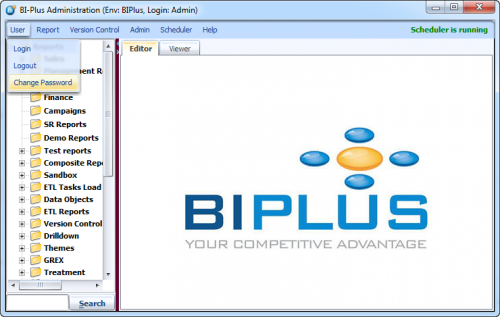
Login option displays login window allowing you to re-login.
Logout option displays login window allowing you to re-login.
Change Password option allows you to change current user password. You will be asked to enter your old password.
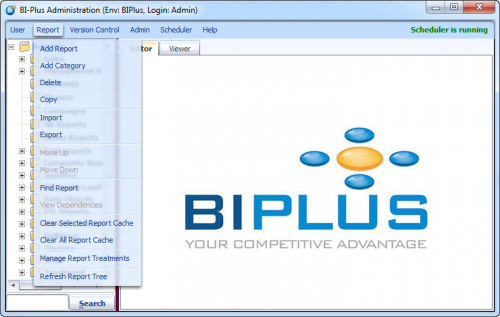
Report Menu
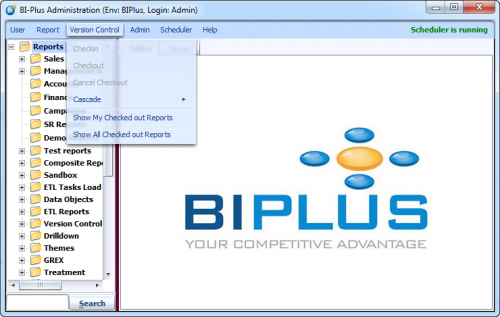
Version Control
To view guide of all menu items in Version Control menu like Checkin, Checkout, Cascade checkout and Show My Checked out reports etc. see Version Control.
Admin
Admin menu has several features.
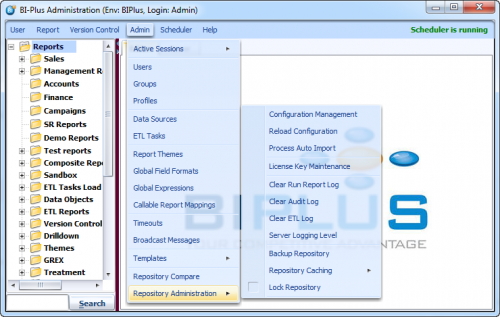
Here are links for these features.
Scheduler
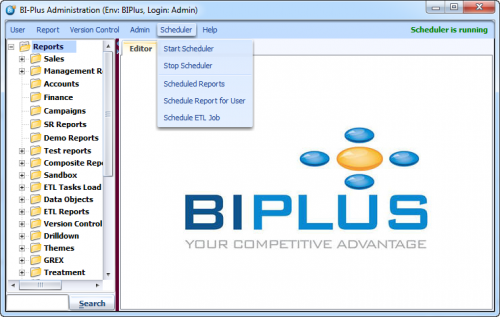
Scheduler menu contains Start/Stop scheduler, how to schedule a report and manage them and scheduling ETL jobs features.
To view guide for these features, see Scheduler.
Help
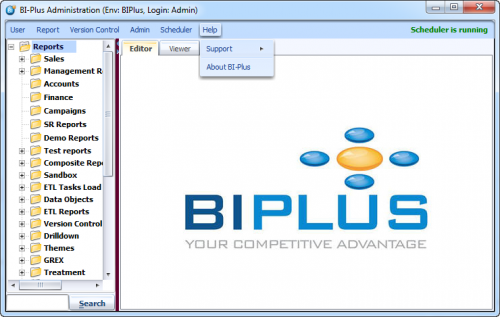
Help menu allow you to view the User & Product information like login name, version number. You can also view or save the server log.